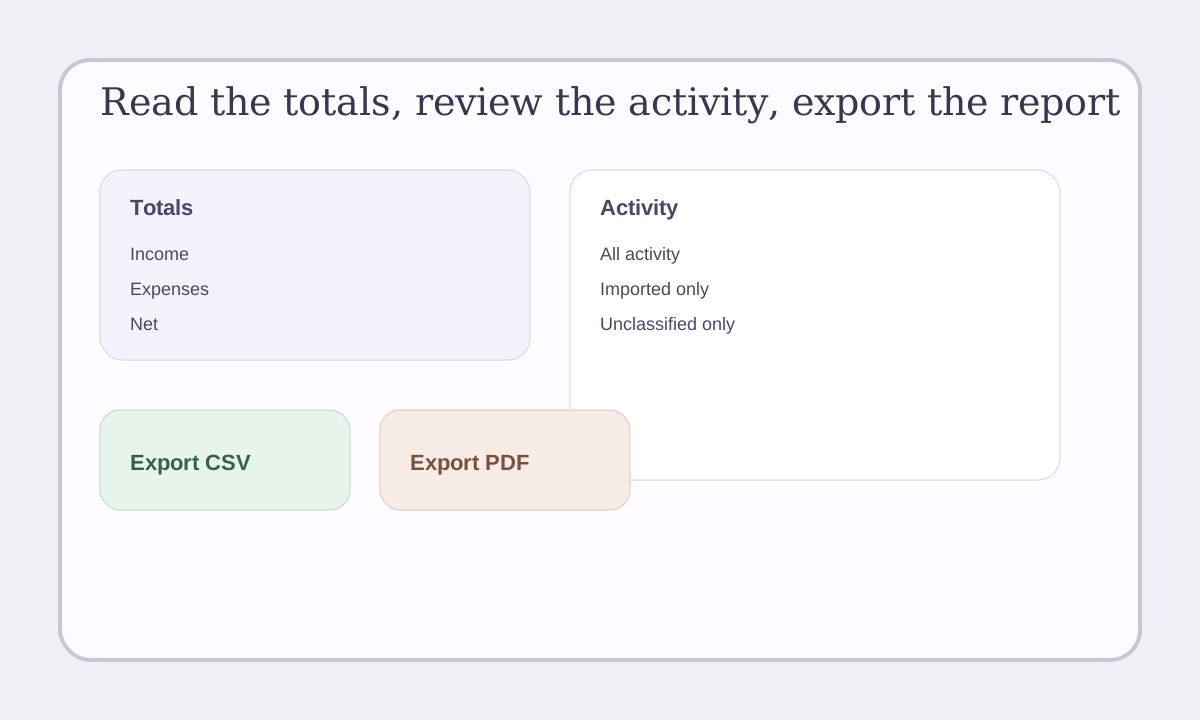
The reporting page helps you understand what money came in, what money went out, and what still needs cleanup.
Quick view: Start with totals, review the activity behind the numbers, then export the report you need.
What you can see
LeaseyLog shows:
- profit and loss
- cash flow
- a simple balance sheet view
- activity behind the totals
Step 1: Open the reporting page
Start by looking at the main totals.
You can quickly see:
- income
- expenses
- net result
Step 2: Click into the activity
When you click a section, LeaseyLog shows the entries behind that number.
This helps you answer simple questions like:
- what made this total go up
- what was this expense
- what still needs to be categorized
Step 3: Filter the activity
Use the activity filters to focus on:
- all activity
- imported only
- unclassified only
This is very helpful after a CSV import.
Step 4: Export the report
When you are ready, export your statement as:
- CSV
Why this matters
You should not have to rebuild your numbers every month from scratch.
LeaseyLog helps you keep the records cleaner as you go.