Automation in LeaseyLog is meant to help with a few useful jobs, not every job.
Quick view: Choose the workflow you need, turn it on, and check the run history so you can trust what happened.
What automation does right now
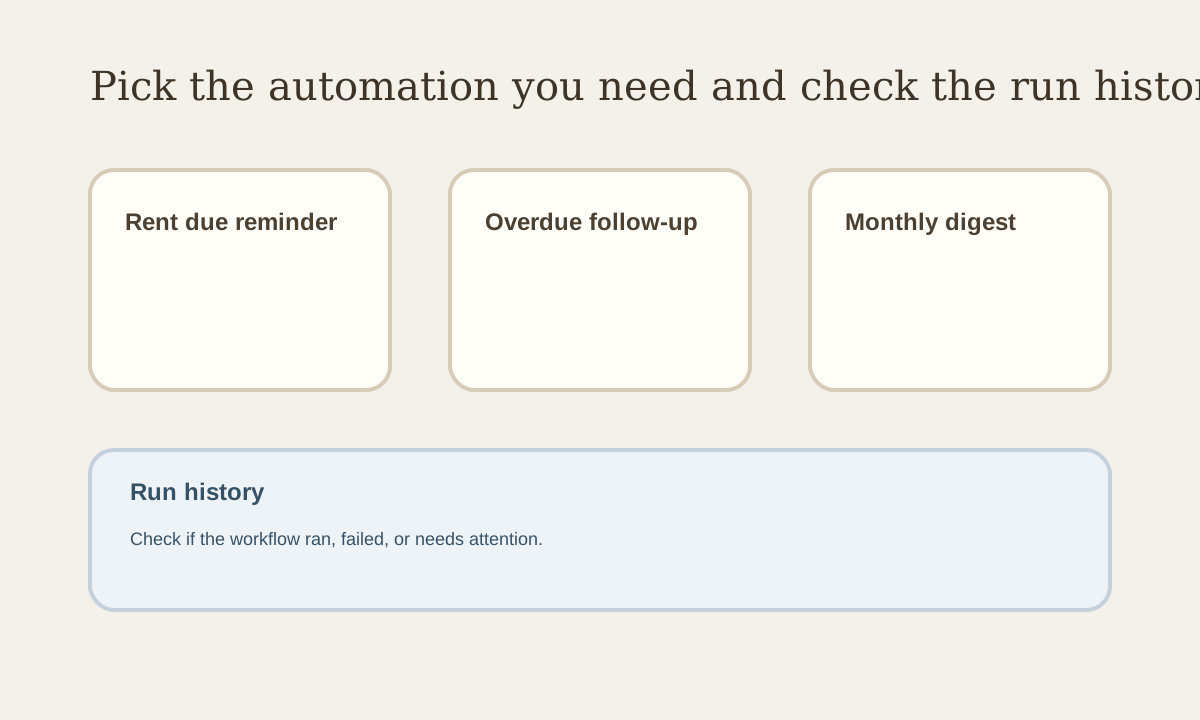
Automation is focused on three simple workflows:
- rent due reminders
- overdue follow-up
- monthly owner digest
Step 1: Open the automation page
Start by picking the type of automation you want.
Do not try to overbuild it. Pick the one that matches the problem you need to solve.
Step 2: Turn on the workflow
Choose the automation and save it.
Once it is active, LeaseyLog can run that workflow for you based on the schedule or event behind it.
Step 3: Check the run history
The run history helps you see whether it worked, failed, or needs attention.
That matters because automation should still be easy to trust.
Good use of automation
Use automation for repeat tasks that are simple and easy to verify.
Examples:
- reminding tenants rent is almost due
- following up when rent is late
- getting a monthly summary
Bad use of automation
Do not expect it to run your whole business by itself.
Automation should reduce small repeat work, not replace judgment.