LeaseyLog helps you see what is due, what got paid, and what still needs attention.
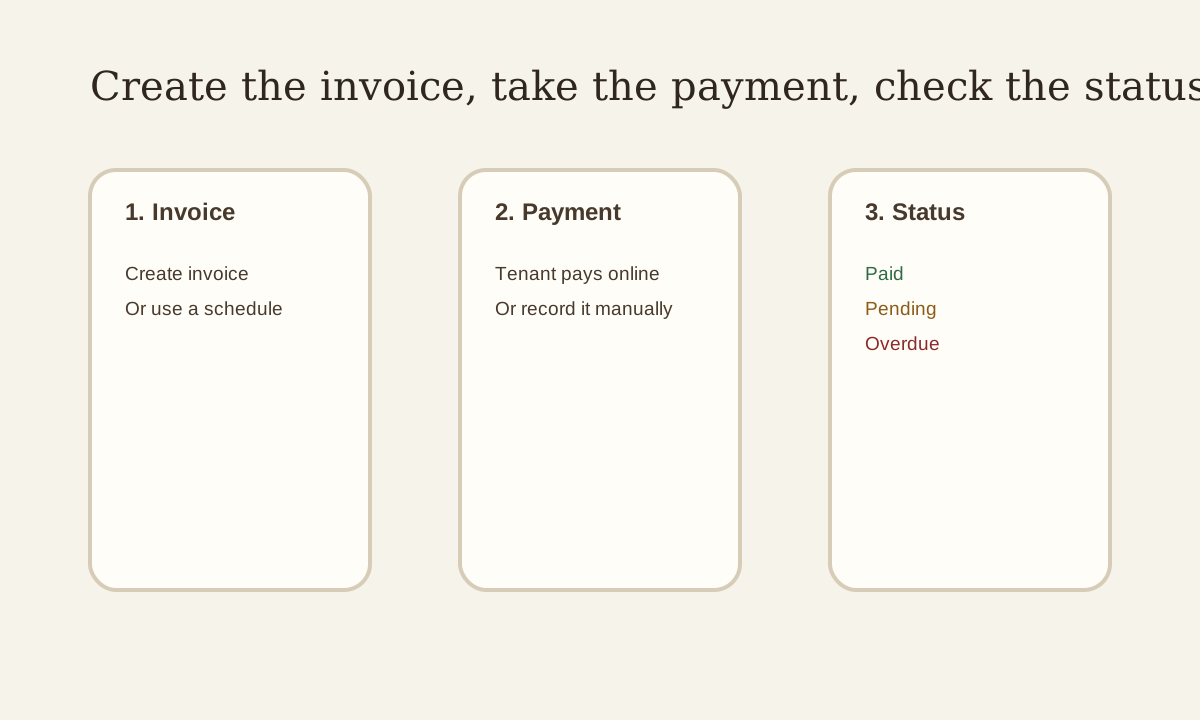
Quick view: Create the invoice or schedule, collect the payment, then check the status instead of guessing what happened.
Step 1: Create the rent invoice or schedule
Go to the rent section.
From there, you can:
- create a one-time invoice
- create a rent schedule for repeat rent
If rent repeats every month, use a schedule so you do not keep doing the same work over and over.
Step 2: Let the tenant pay
When the invoice is active, the tenant can pay through the payment flow.
If the tenant paid another way, like cash or check, you can record that manually.
Step 3: Watch the payment status
LeaseyLog shows whether rent is:
- pending
- paid
- overdue
- void
This is important because you do not want to guess who paid and who did not.
Step 4: Handle problems quickly
If something fails, check the invoice and payment details.
LeaseyLog also shows payment issues and unresolved webhook problems so you can retry them instead of digging through logs.
Step 5: Keep your late fee rules clear
If you use late fees, set the rule clearly.
That way the system stays consistent and tenants know what to expect.
Why this matters
Without a system, rent tracking usually turns into:
- checking bank accounts
- looking through messages
- guessing who still owes money
LeaseyLog keeps that in one place.