After your property and units are set up, the next step is to create the lease.
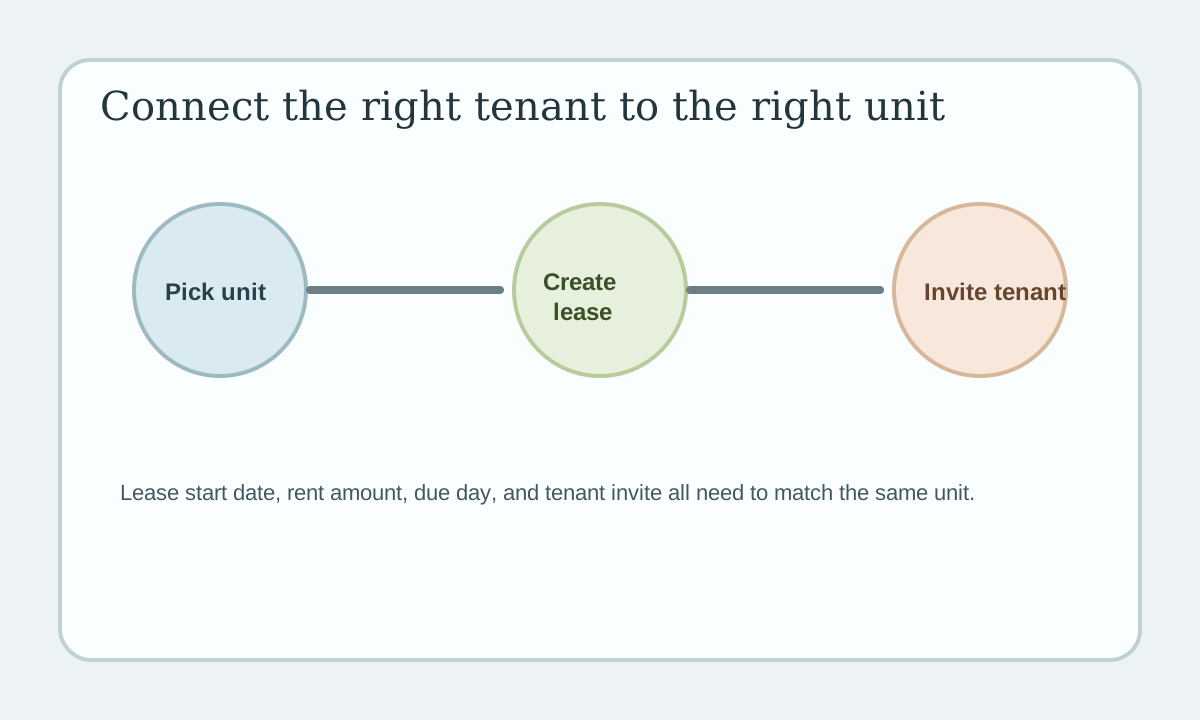
Quick view: Pick the right unit, create the lease details, then invite the tenant tied to that lease.
Step 1: Pick the right unit
Open the leases area and choose the unit the tenant is renting.
Make sure the unit is correct before you continue.
Step 2: Create the lease
Add the main lease details:
- start date
- end date if you have one
- rent amount
- due day
- deposit details if you track them
This gives LeaseyLog the basic information it needs for rent and reporting.
Step 3: Invite the tenant
After the lease is created, invite the tenant.
This connects the tenant to the lease and helps keep payment and maintenance records tied to the right person.
Step 4: Review before you save
Check these items:
- right tenant
- right unit
- right rent amount
- right due date
A small mistake here can cause bad invoices later.
Why this matters
A lease is what connects your unit, your tenant, and your rent setup.
Once the lease is correct, LeaseyLog can help you with:
- rent tracking
- reminders
- payment status
- maintenance history
Keep it simple
One lease should clearly point to one unit and the right tenant. That is the goal.