This is one of the first things to do in LeaseyLog. If your property and unit details are correct, the rest of the app is much easier to use.
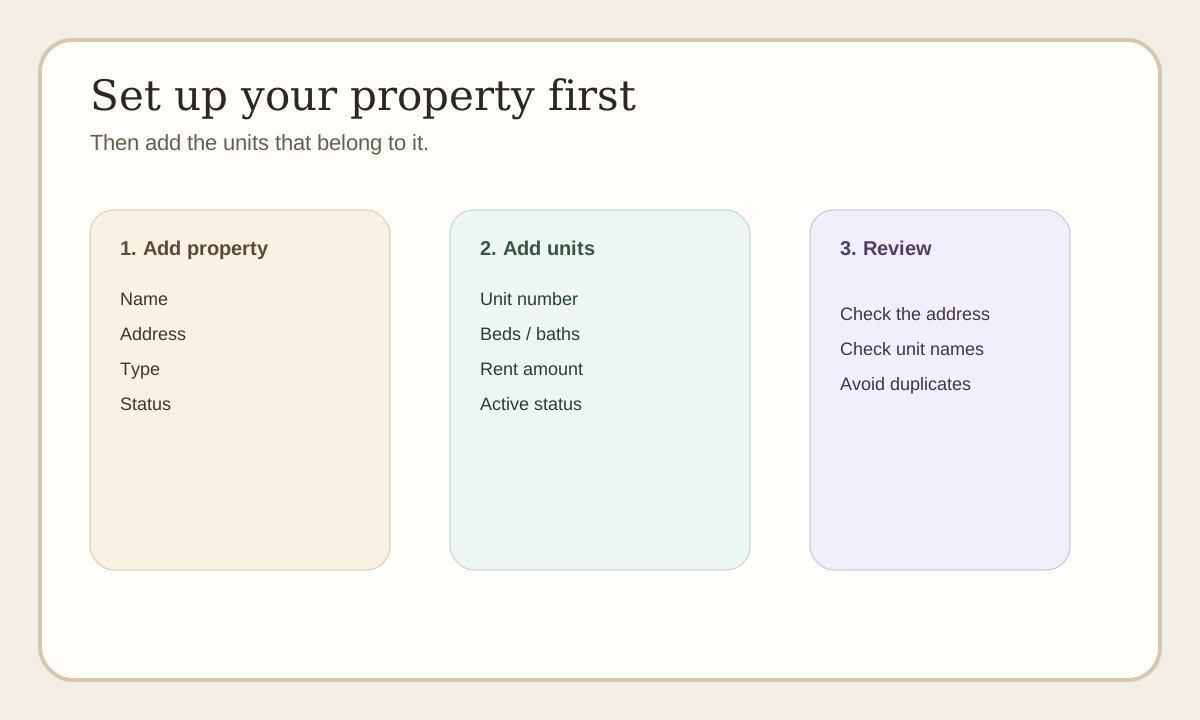
Quick view: Add the property first, then add the units that belong to it, then review everything before moving on.
Step 1: Add your property
Go to the owner dashboard and open the properties section.
Add the basic details:
- property name
- address
- property type
- status
Keep this simple and accurate. You do not need to add every tiny detail right away.
Step 2: Add your units
After the property is created, add the units inside that property.
For each unit, add:
- unit name or number
- bedroom and bathroom count if needed
- rent amount if you already know it
- whether the unit is active
If you only have one house, you can still set it up clearly so future leases and rent records stay organized.
Step 3: Double-check the basics
Before moving on, make sure:
- the address is right
- the unit names make sense
- you did not create duplicate units
Why this matters
Properties and units are used by other parts of LeaseyLog:
- leases
- rent invoices
- maintenance requests
- reporting
If you skip this step or rush it, later records can get confusing.
Good simple rule
Set up the property first. Then set up the units. Then move on to leases and rent.