Maintenance is easier when every request starts in one place.
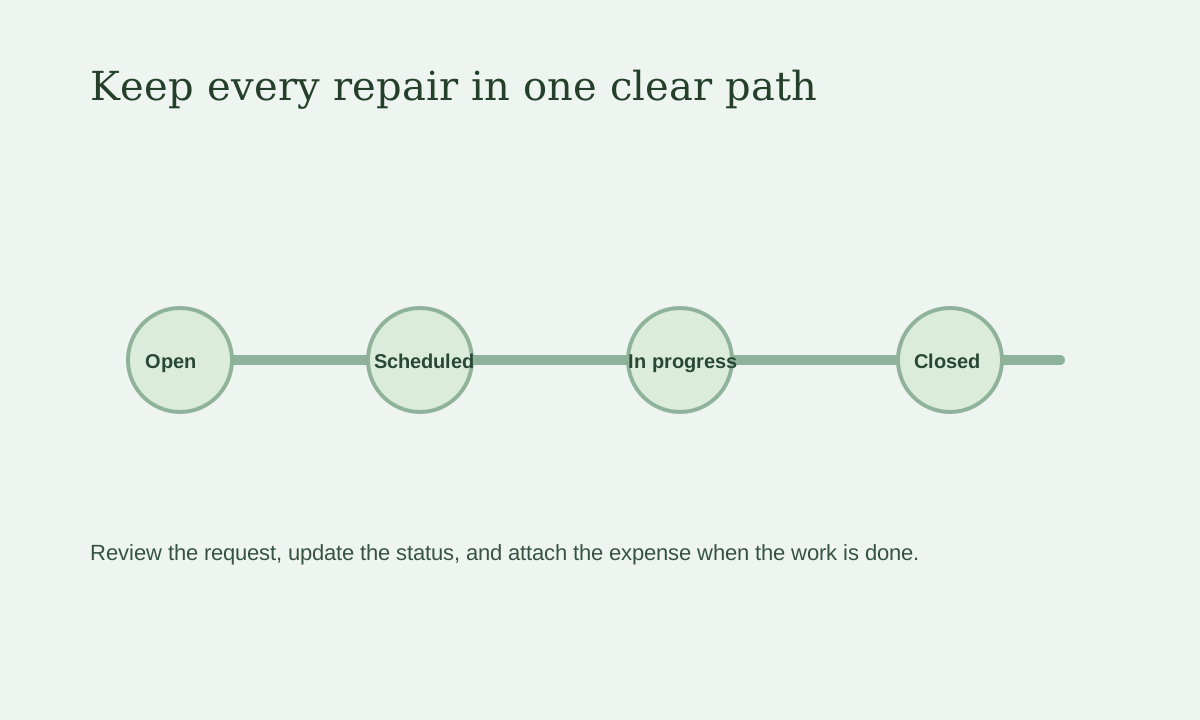
Quick view: Review the request, move it through the status steps, and close it only after the work is done.
Step 1: Review the request
When a tenant sends a maintenance request, open it and read:
- what is broken
- how urgent it is
- which property or unit it belongs to
Step 2: Update the status
You can move the request through steps like:
- open
- scheduled
- in progress
- resolved
- closed
This helps you and the tenant stay on the same page.
Step 3: Add notes if needed
If you call a vendor, inspect the issue, or need to leave follow-up notes, add them while the request is open.
Step 4: Add the related expense
If you paid someone to fix it, you can attach the expense so your records stay cleaner.
Why this matters
Without a system, maintenance often lives in:
- text messages
- phone calls
- sticky notes
- memory
That breaks fast.
LeaseyLog gives you one place to track the request from the first message to the final fix.